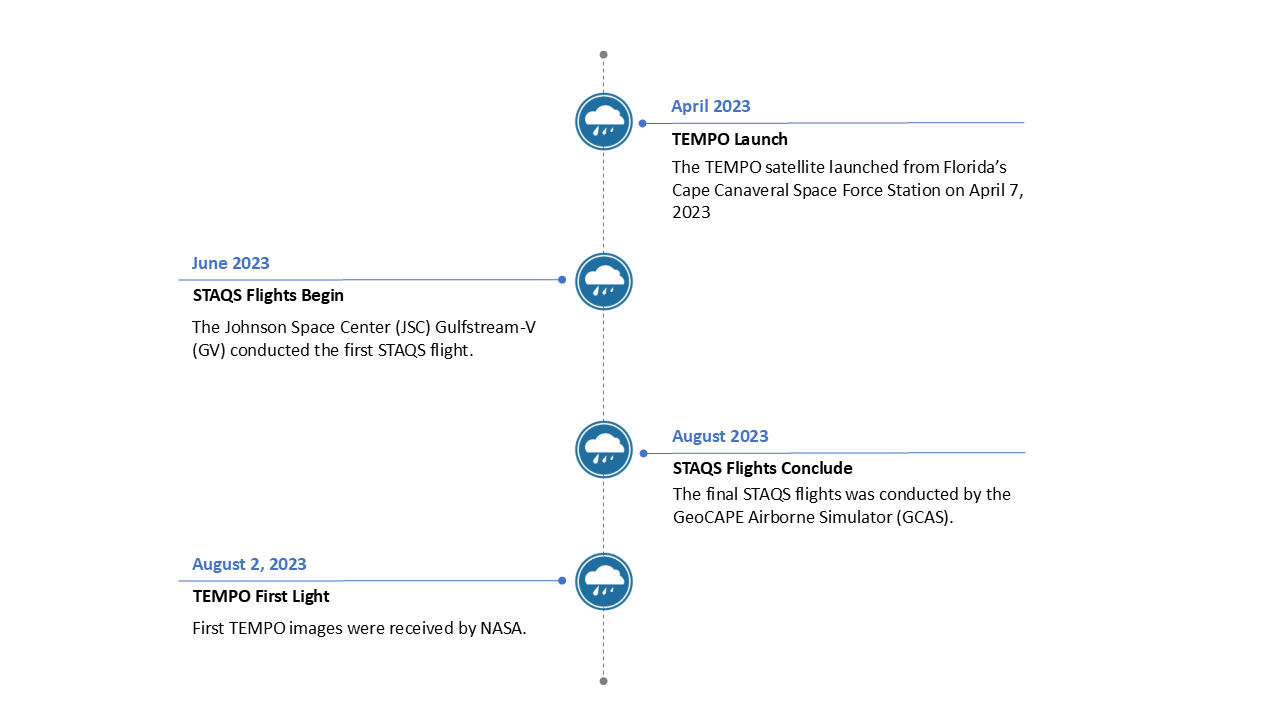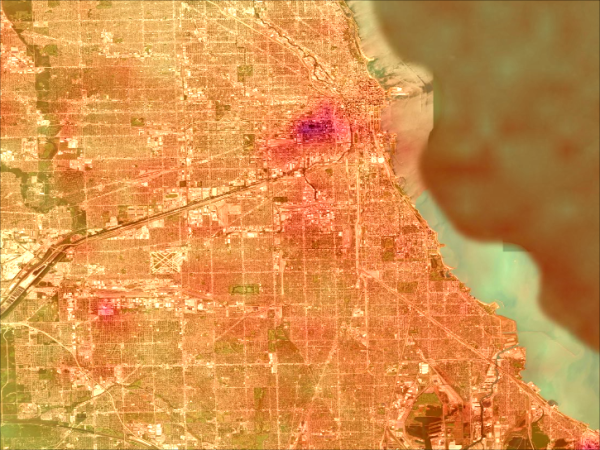
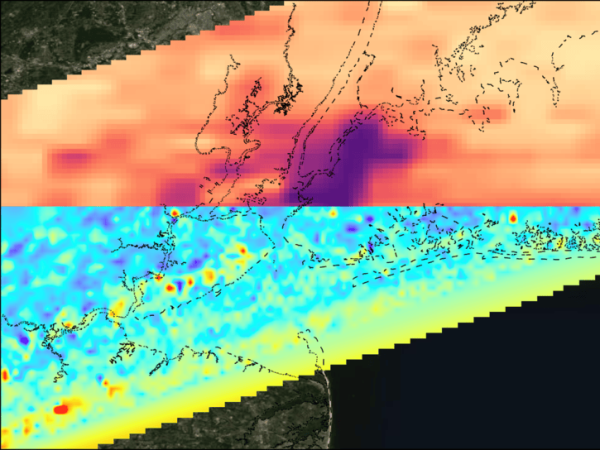
Launched on a commercial geostationary satellite in April 2023, NASA’s Tropospheric Emissions: Monitoring of Pollution (TEMPO) instrument monitors major air pollutants across North America every daylight hour at high spatial resolution. NASA’s Synergistic TEMPO Air Quality Science (STAQS) field campaign integrated TEMPO observations with ground-based and in situ airborne monitoring to improve understanding of the conditions that affect air quality at the ground level. STAQS was conducted during summer 2023, targeting urban areas including Los Angeles, New York City, and Chicago.
As part of the mission, two aircraft were outfitted with various remote sensing payloads. NASA's Gulfstream-V (G-V) aircraft carried the GeoCAPE Airborne Simulator (GCAS), the High Spectral Resolution Lidar-2 (HSRL-2), and the Ozone Differential Absorption Lidar (DIAL). This payload provided high-resolution mapping of NO2, HCHO, ozone, and aerosols up to three times per day over targeted cities. NASA’s Gulfstream-III carried the High-Altitude Lidar Observatory (HALO) and the Airborne Visible InfraRed Imaging Spectrometer–Next Generation (AVIRS-NG) to measure city-scale emissions twice a day.
STAQS incorporated ground-based tropospheric ozone profiles from the NASA Tropospheric Ozone Lidar Network (TOLNet) and NO2, HCHO, and ozone measurements from Pandora spectrometers. The campaign also leveraged existing networks operated by the Environmental Protection Agency and state air quality agencies.
The primary goal of STAQS was to improve our current understanding of air quality science under the TEMPO field of regard. Further goals included evaluating TEMPO level 2 data products, interpreting the temporal and spatial evolution of air quality events tracked by TEMPO, improving temporal estimates of anthropogenic, biogenic, and greenhouse gas emissions, and assessing the benefit of assimilating TEMPO data into chemical transport models.
To access the STAQS AVIRIS-NG-derived Methane and Carbon Dioxide Plumes data, please visit the Oak Ridge National Laboratory .
For more information on how to use and access STAQS data, please refer to the STAQS User Guide .